Product Details
- MAXMAC Model
- 6-A5601-K
- Product Type
- Smart HVAC Controller
- Standard Color
- Black
- Display
- 4-Inch Touchscreen Display
 Get a Quote
PRODUCT FEATURES
TECHNICAL DATA
PRODUCT INFORMATION
| Measurement | Operating Principle | Range | Resolution | Accuracy |
|---|---|---|---|---|
| PM2.5 | Laser scattering | 0–999 μg/m³ | 1 μg/m³ | ±15 μg/m³ at ≤100; ±15% above 100 |
| CO₂ | NDIR infrared | 400–9999 ppm | 1 ppm | ±(50 ppm + 5% of reading) |
| Temperature | CMOSens® | −20°C to 85°C | 1°C | ±2°C |
| Humidity | CMOSens® | 1–99% RH | 1% RH | ±5% RH |
| Item | Description | Quantity |
|---|---|---|
| 1 | A56 Smart HVAC Controller | 1 |
| 2 | USB Type-C charging cable | 1 |
| 3 | User manual, certificate and warranty card | 1 |
| 4 | Protective inner tray | 1 |
| 5 | Outer carton and product label | 1 |
CONTROL INTERFACES
Swipe between five main screens to review indoor conditions and manage connected fresh-air, fragrance, floor-heating and air-conditioning equipment.
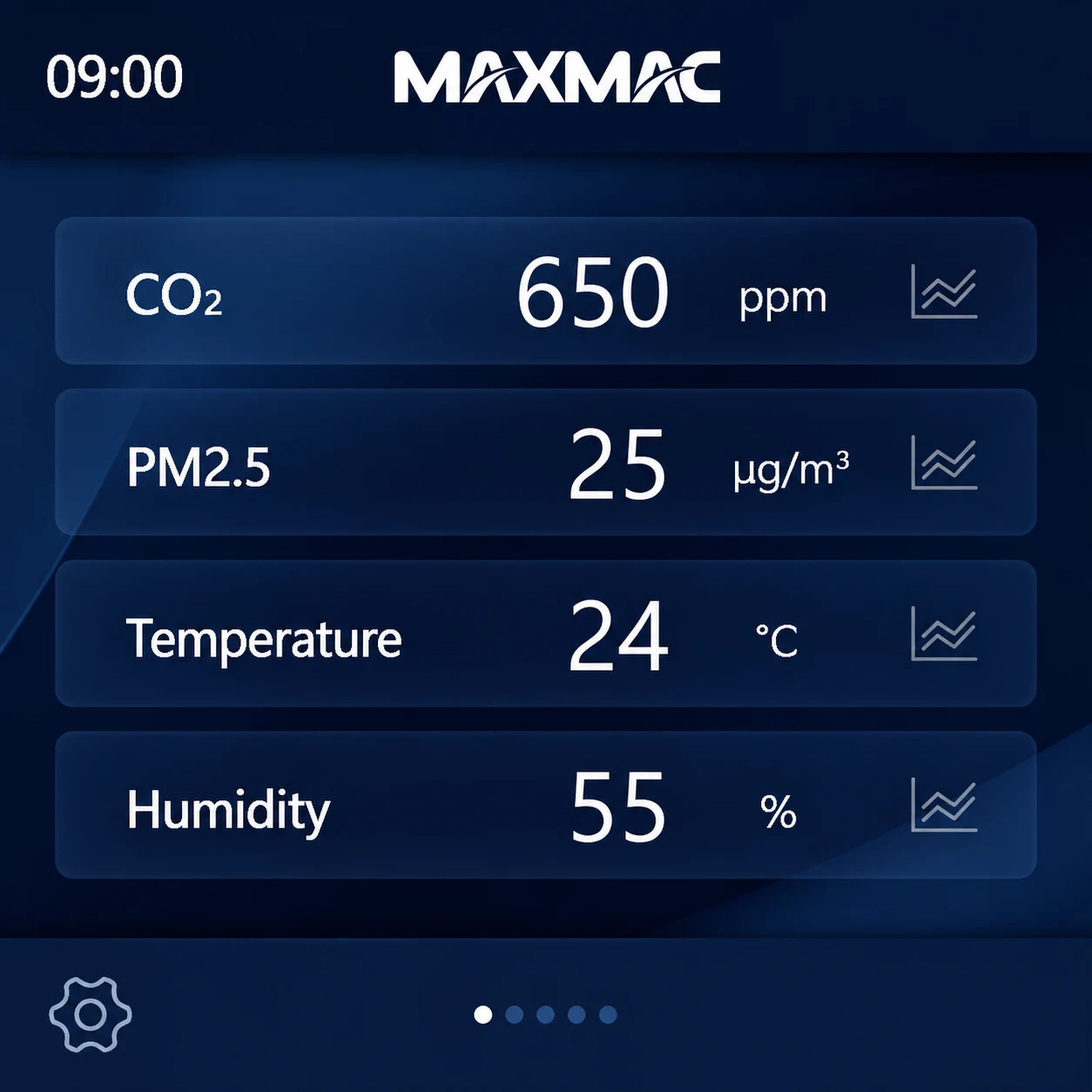
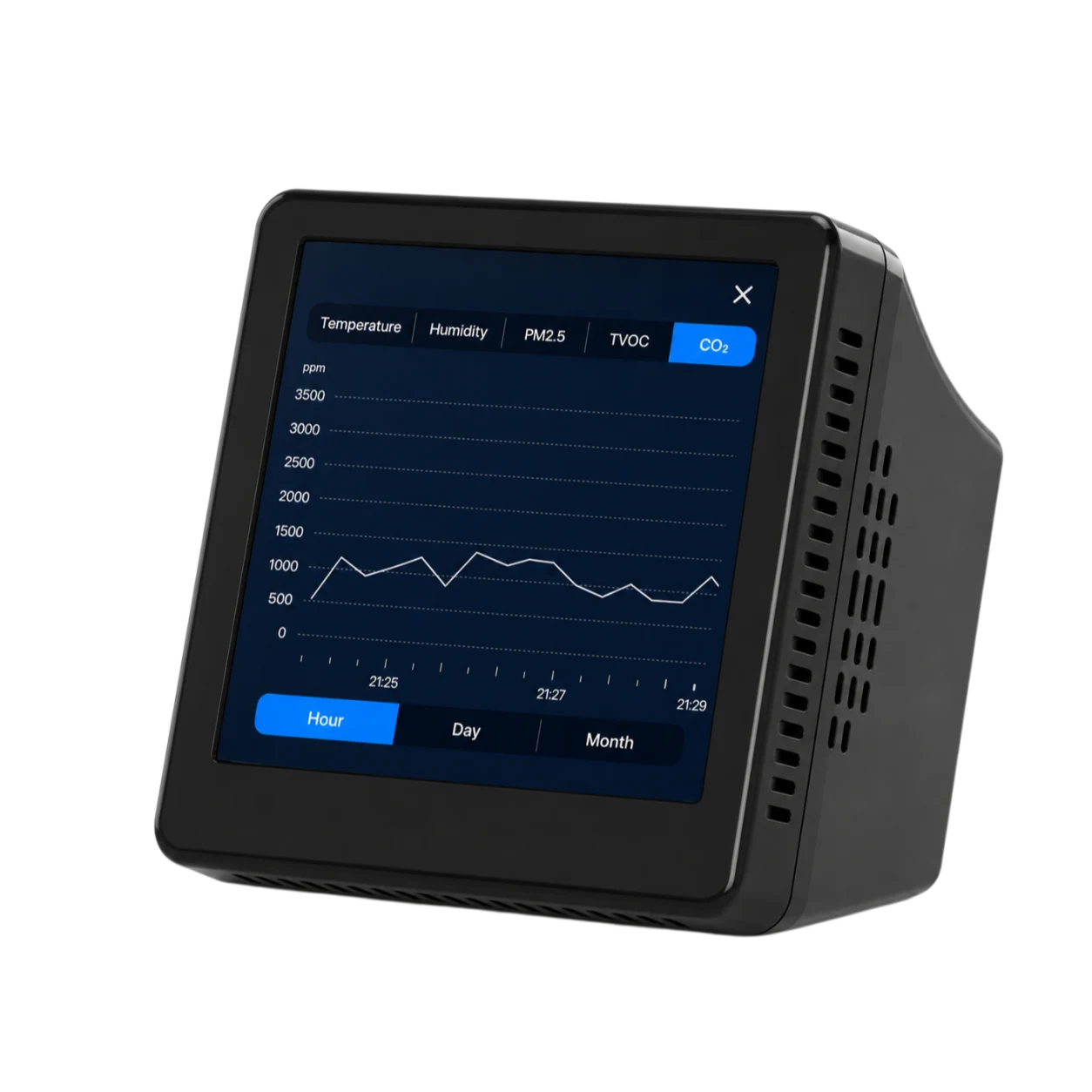
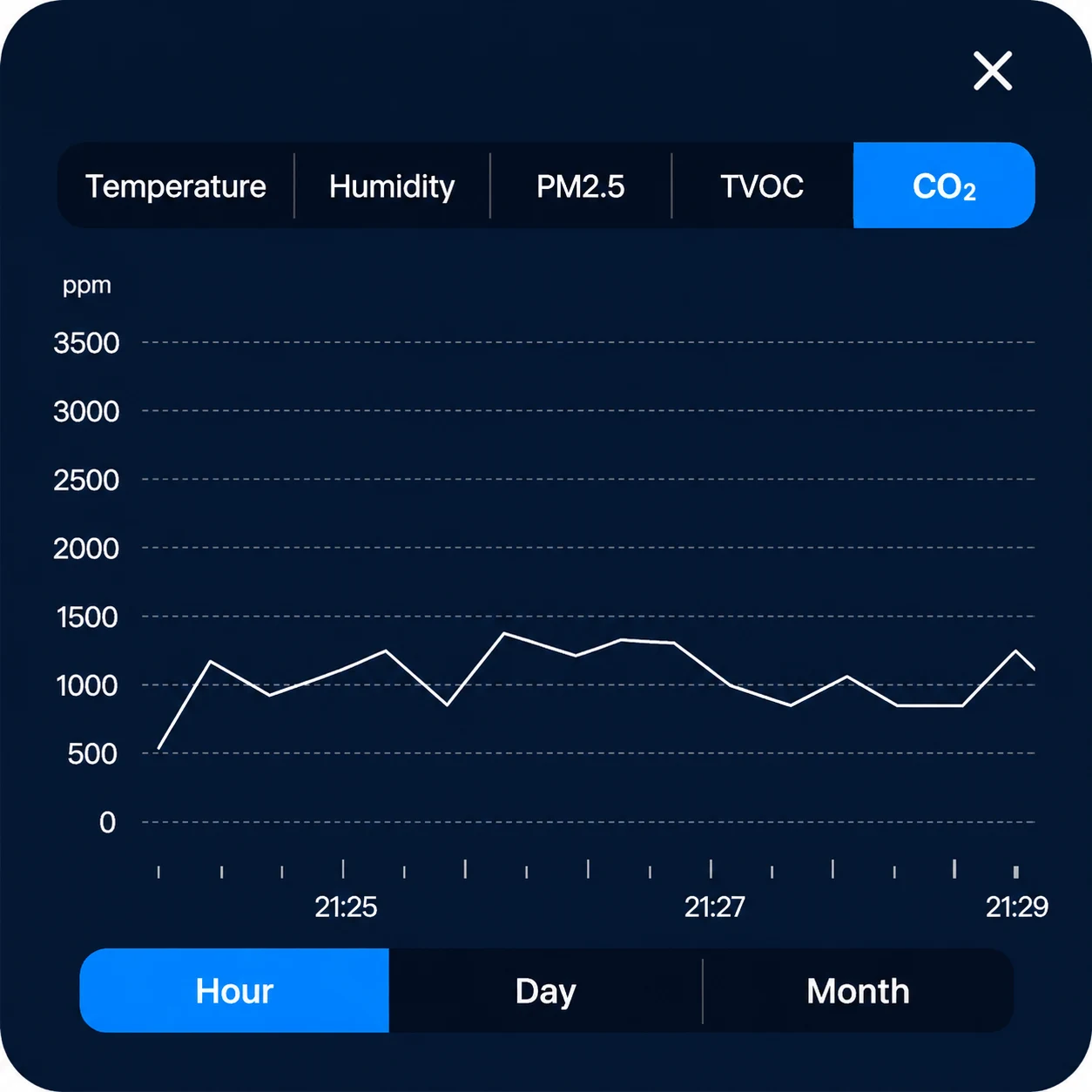
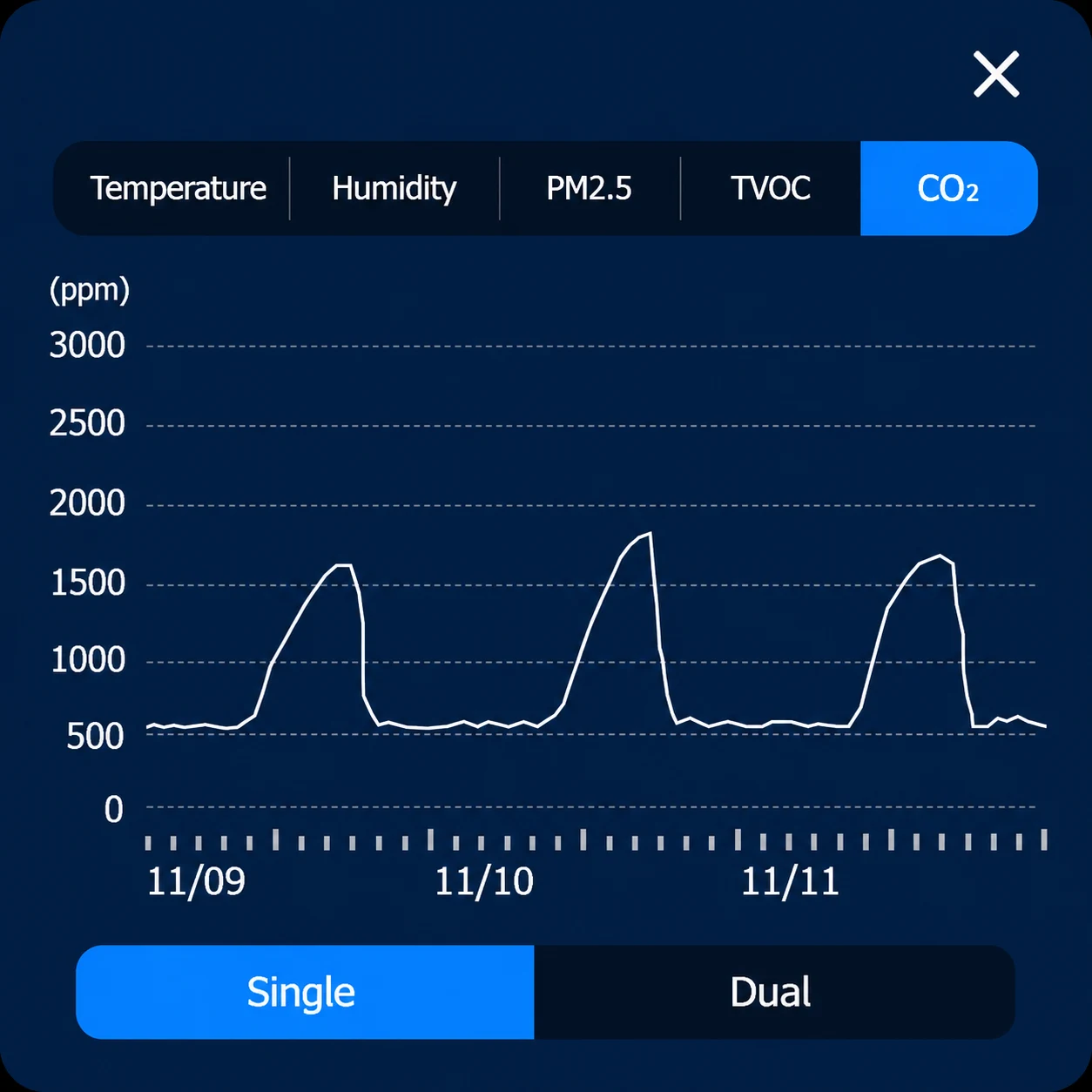
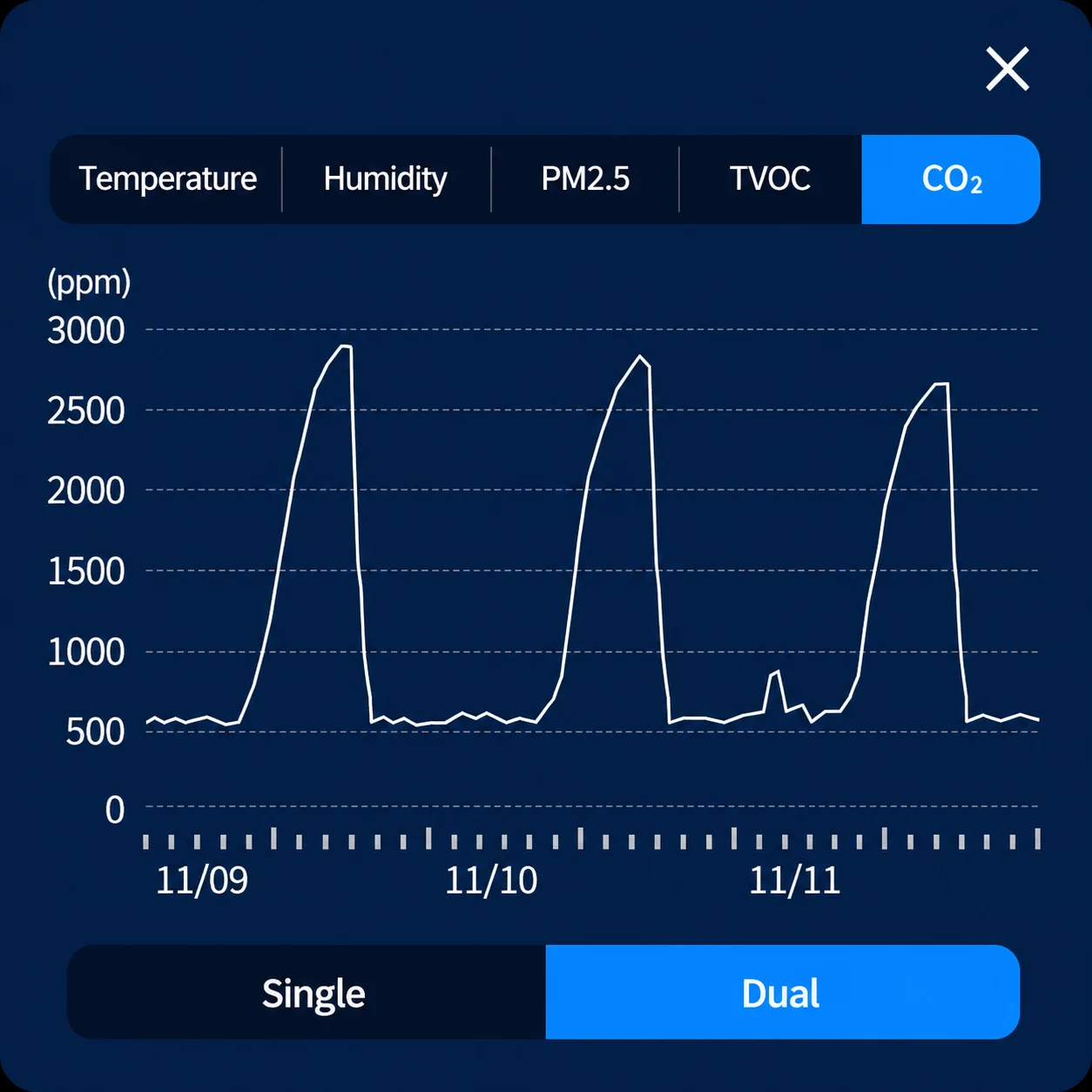
View live CO₂, PM2.5, temperature and humidity data. Open the history icon to review hourly, daily or monthly records and compare overnight CO₂ curves for different occupancy scenarios.
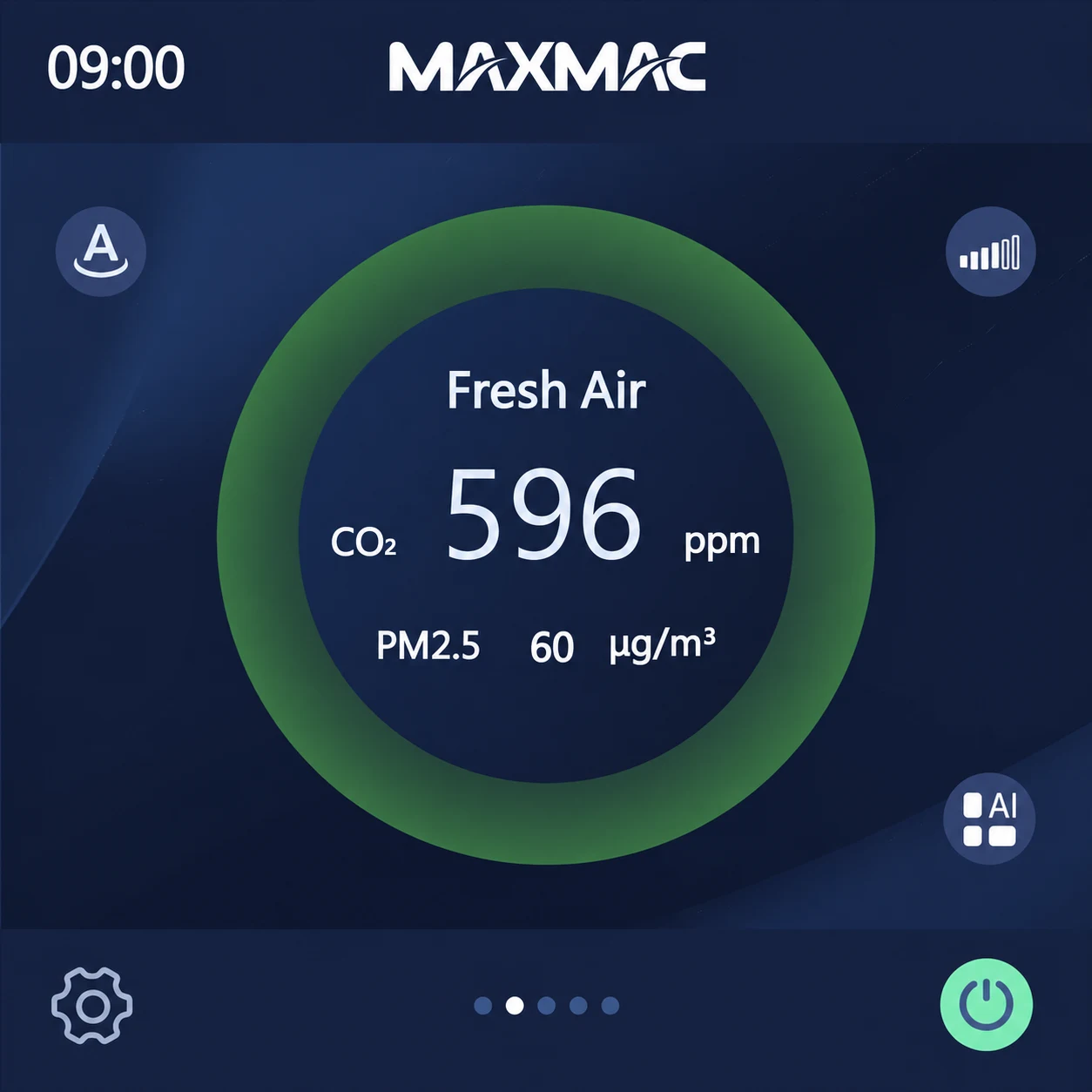
Switch between indoor and outdoor circulation, review air-quality values, and adjust operating mode, fan speed and humidity settings from the fresh-air screen.
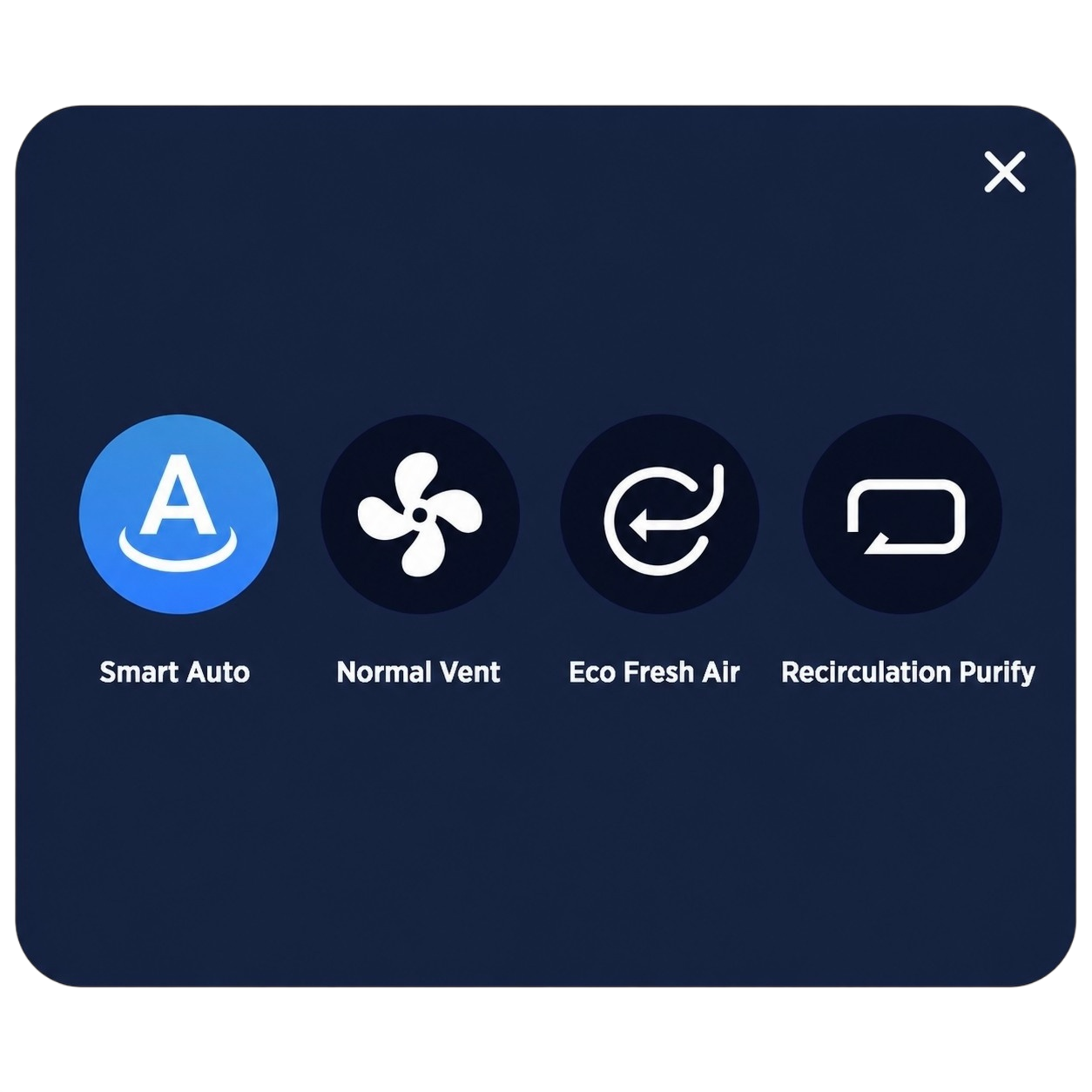
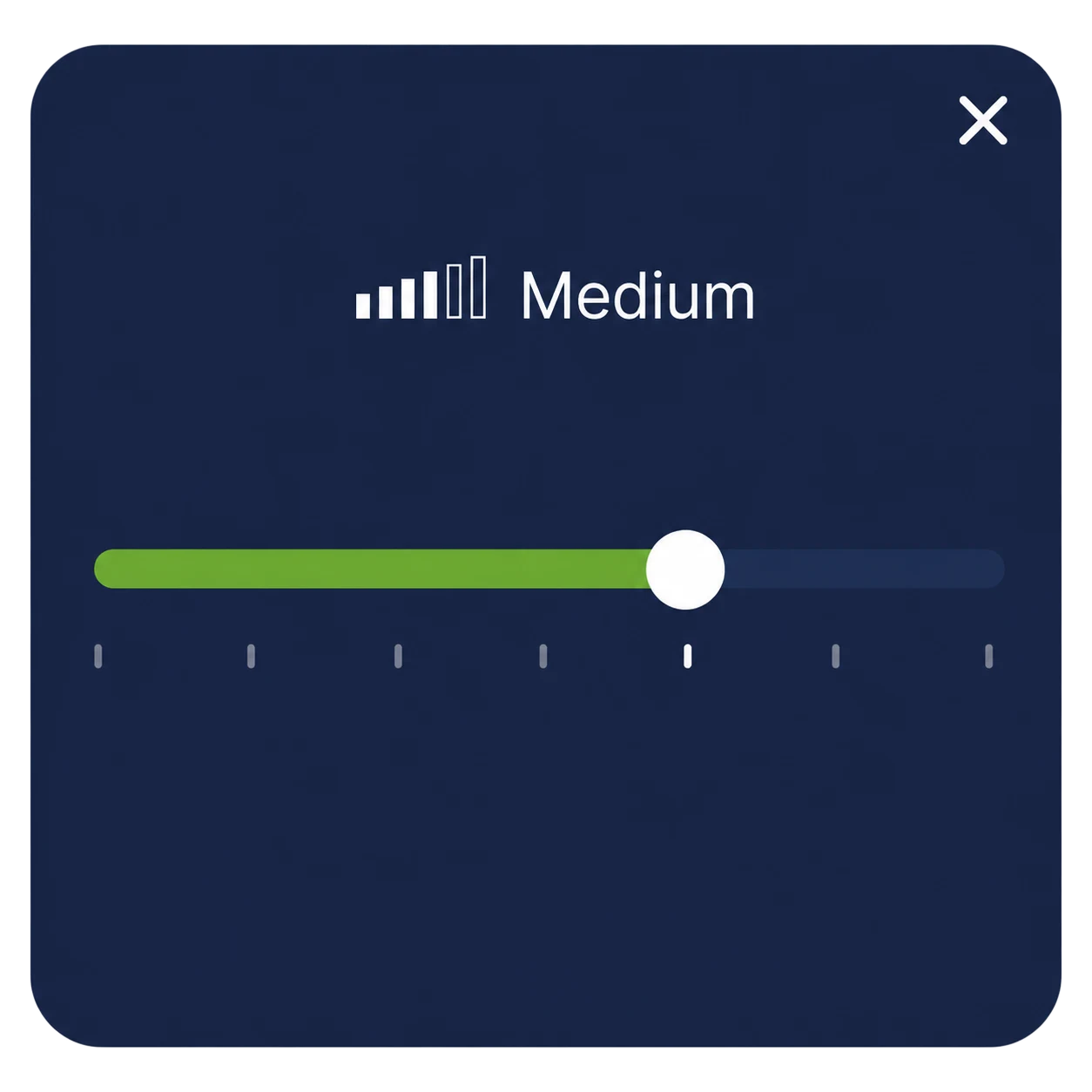
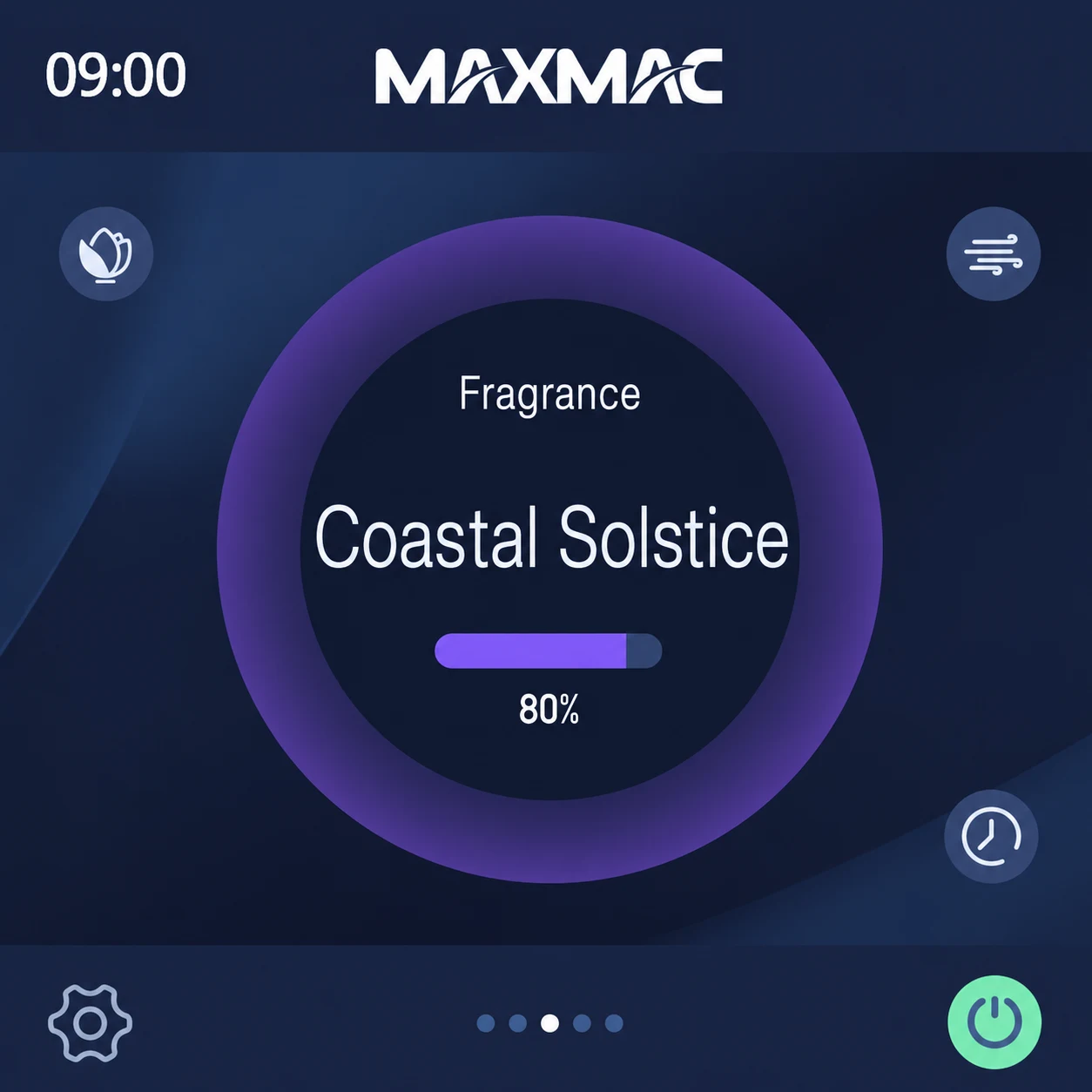
Select a fragrance profile, adjust airflow intensity, and configure scheduled or intermittent operation from one dedicated control screen.

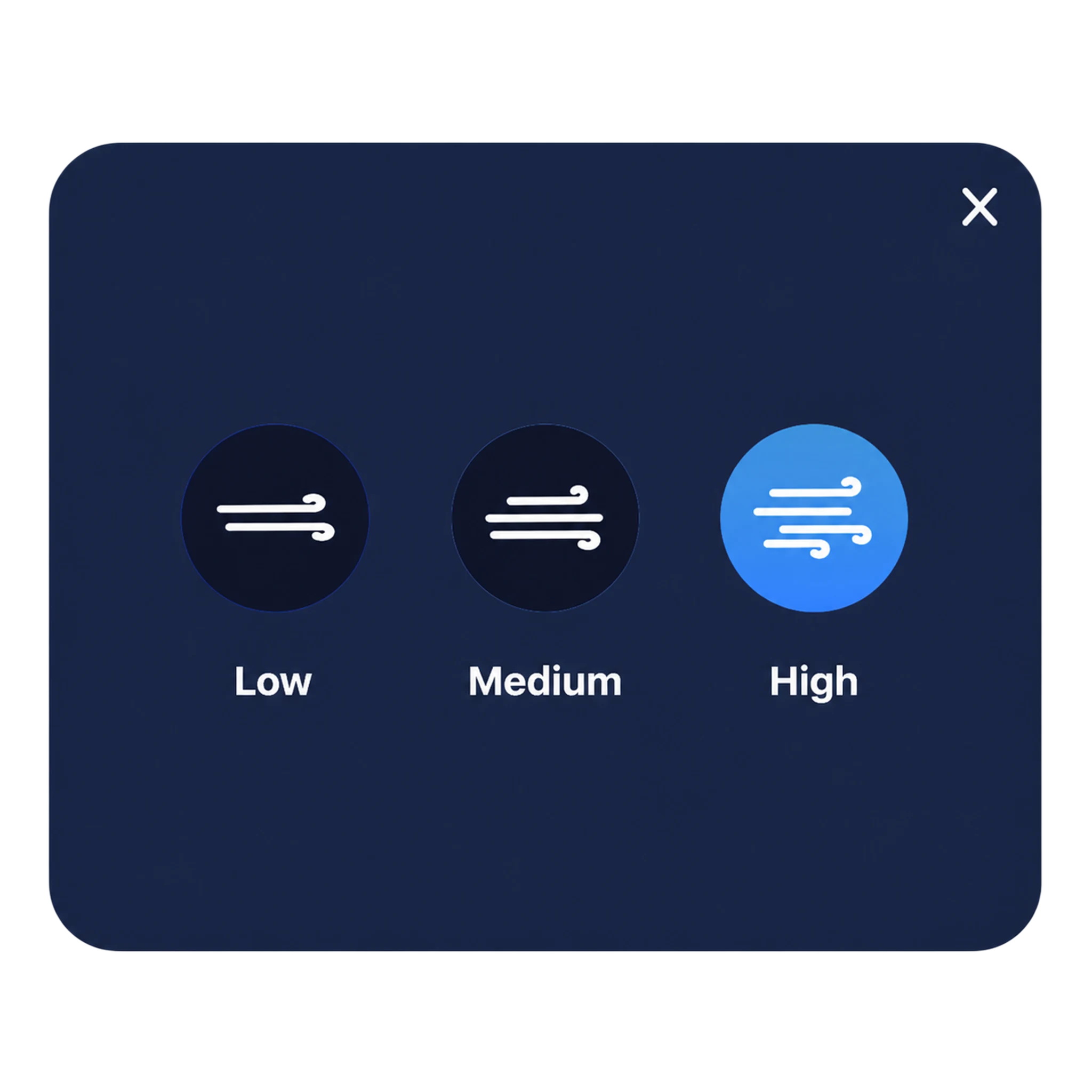
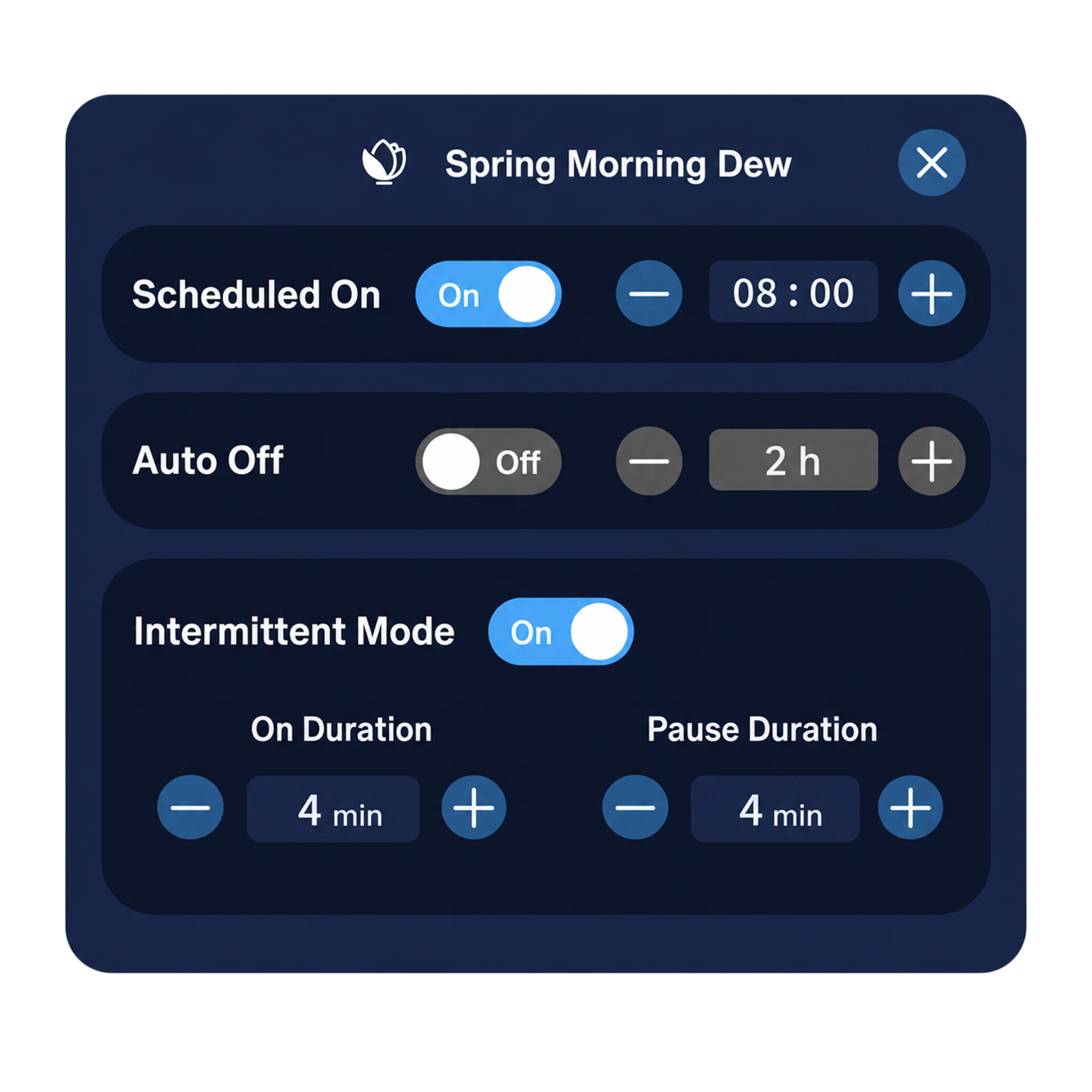
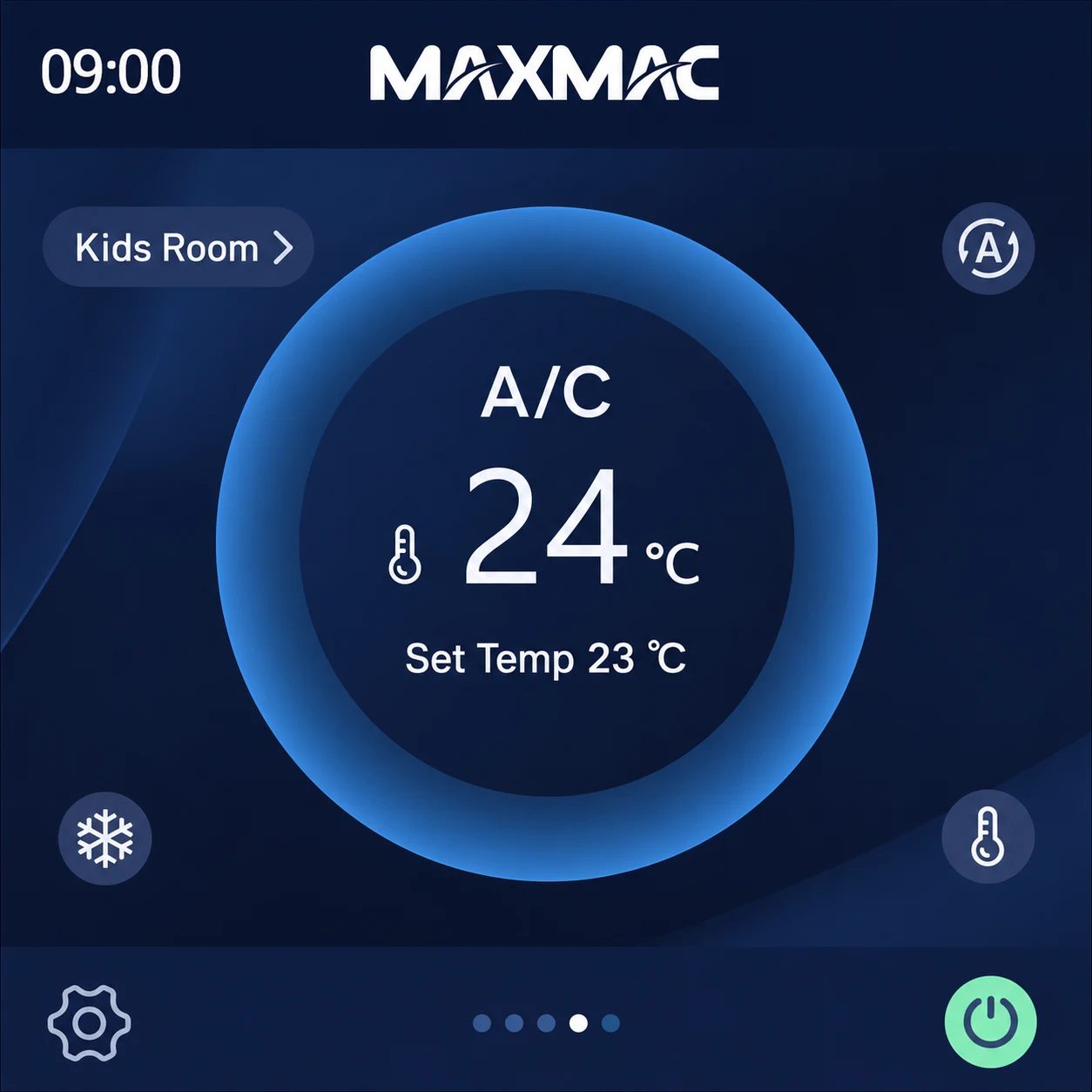
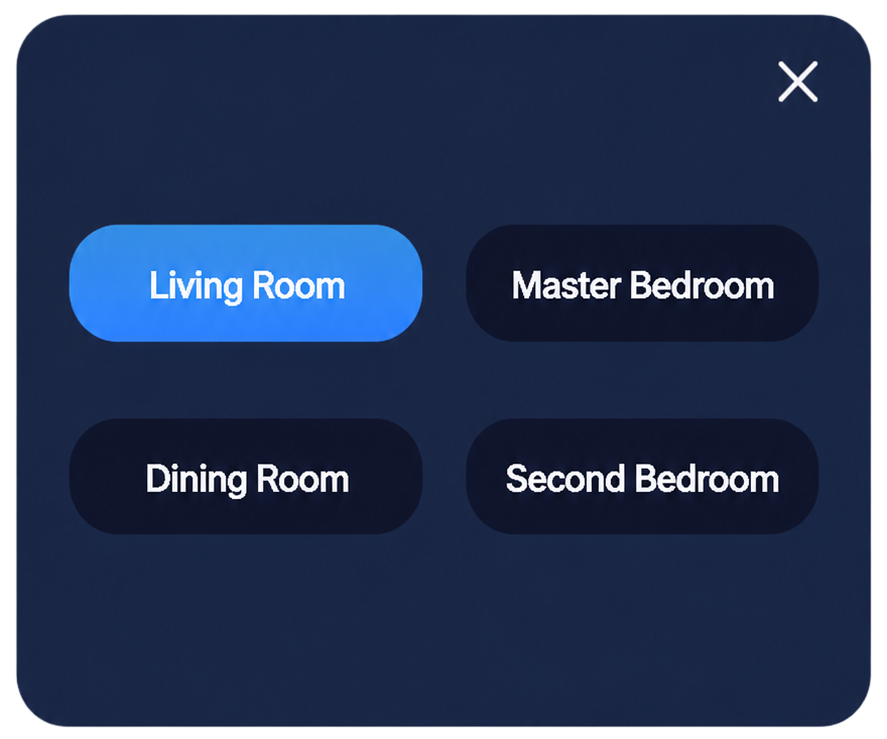
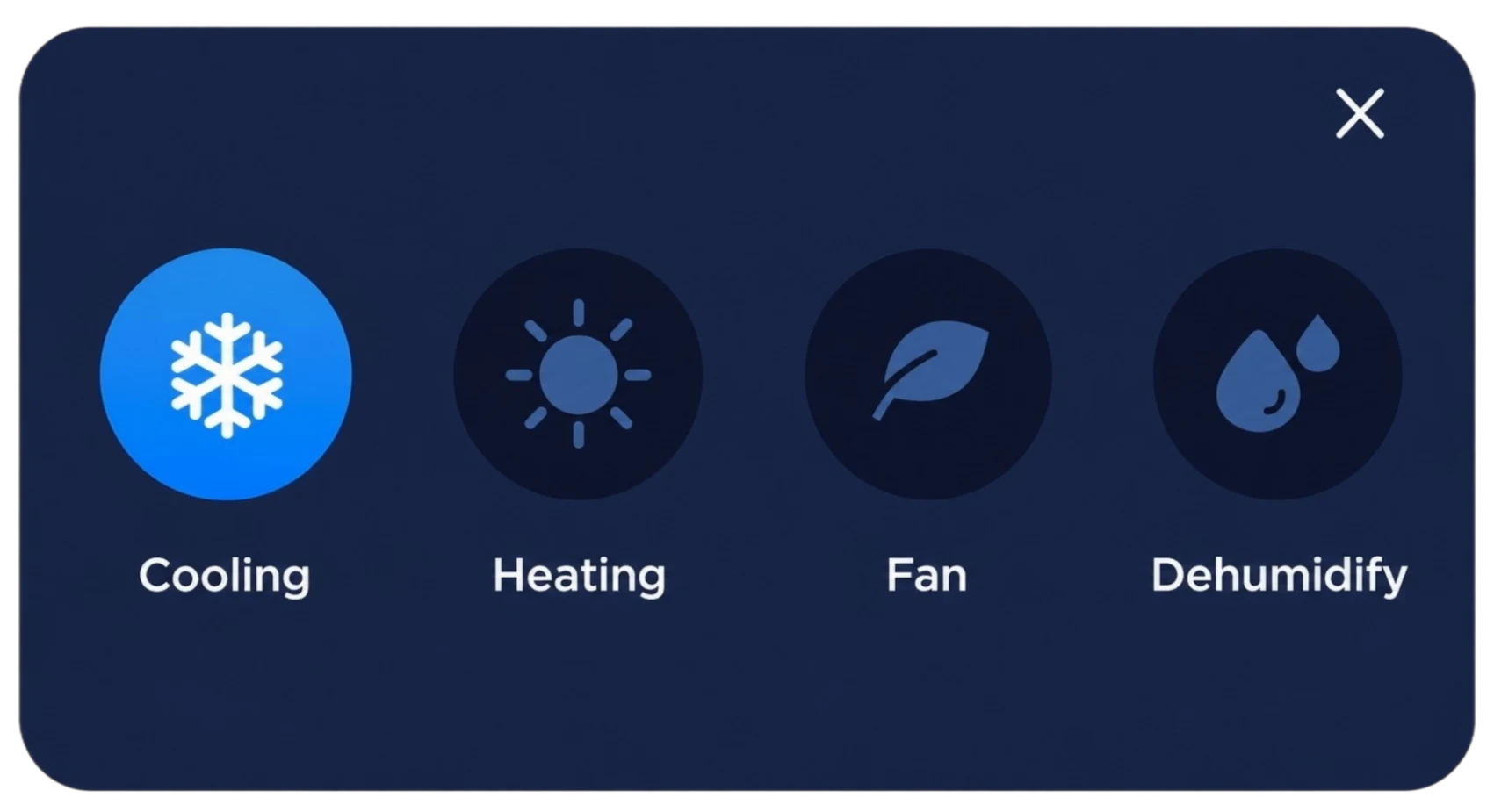
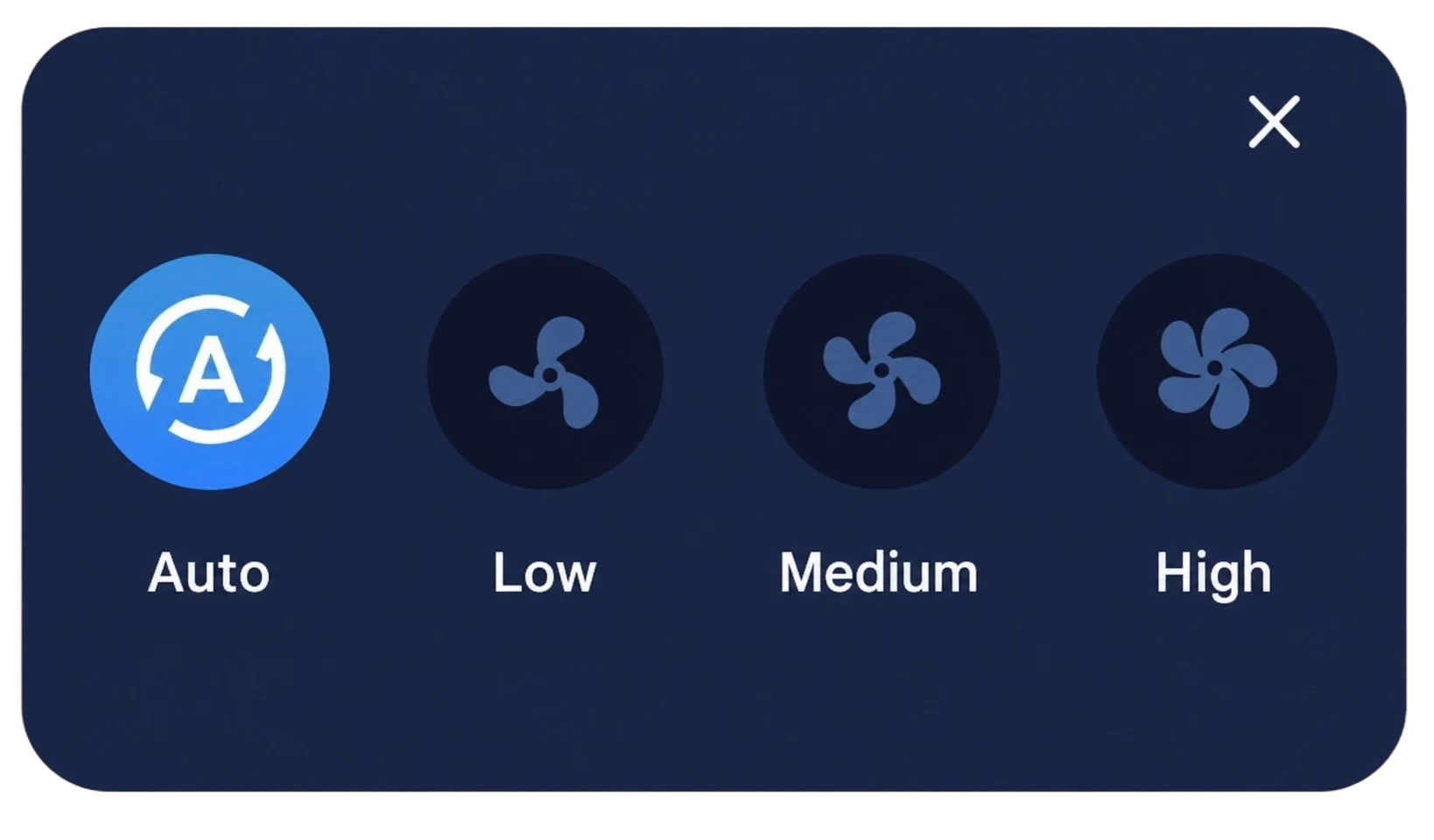
Select the room zone, operating mode, fan speed and target temperature, then manage system settings and power directly from the air-conditioning screen.
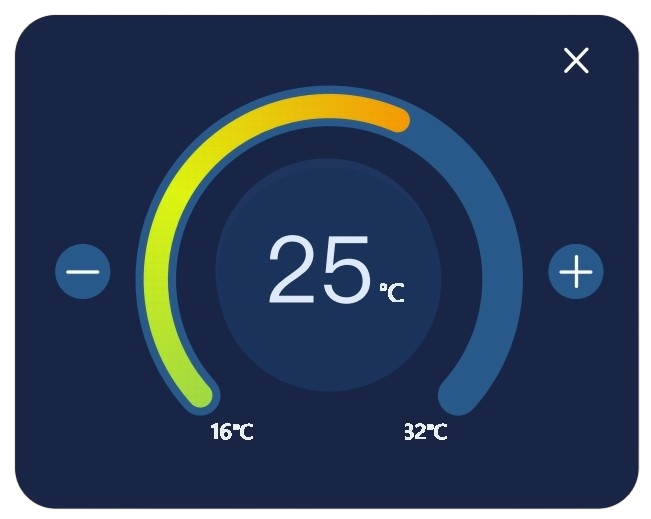
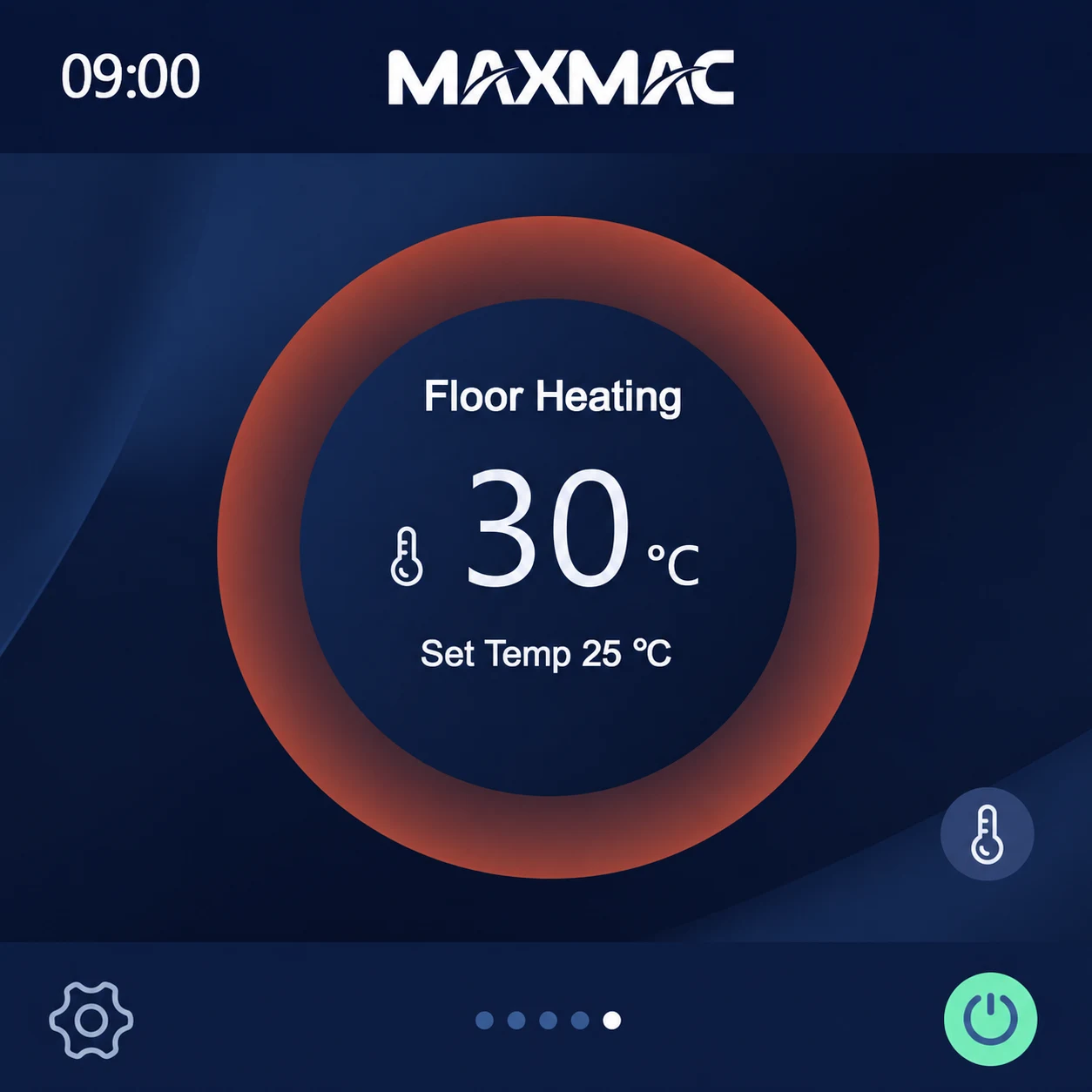
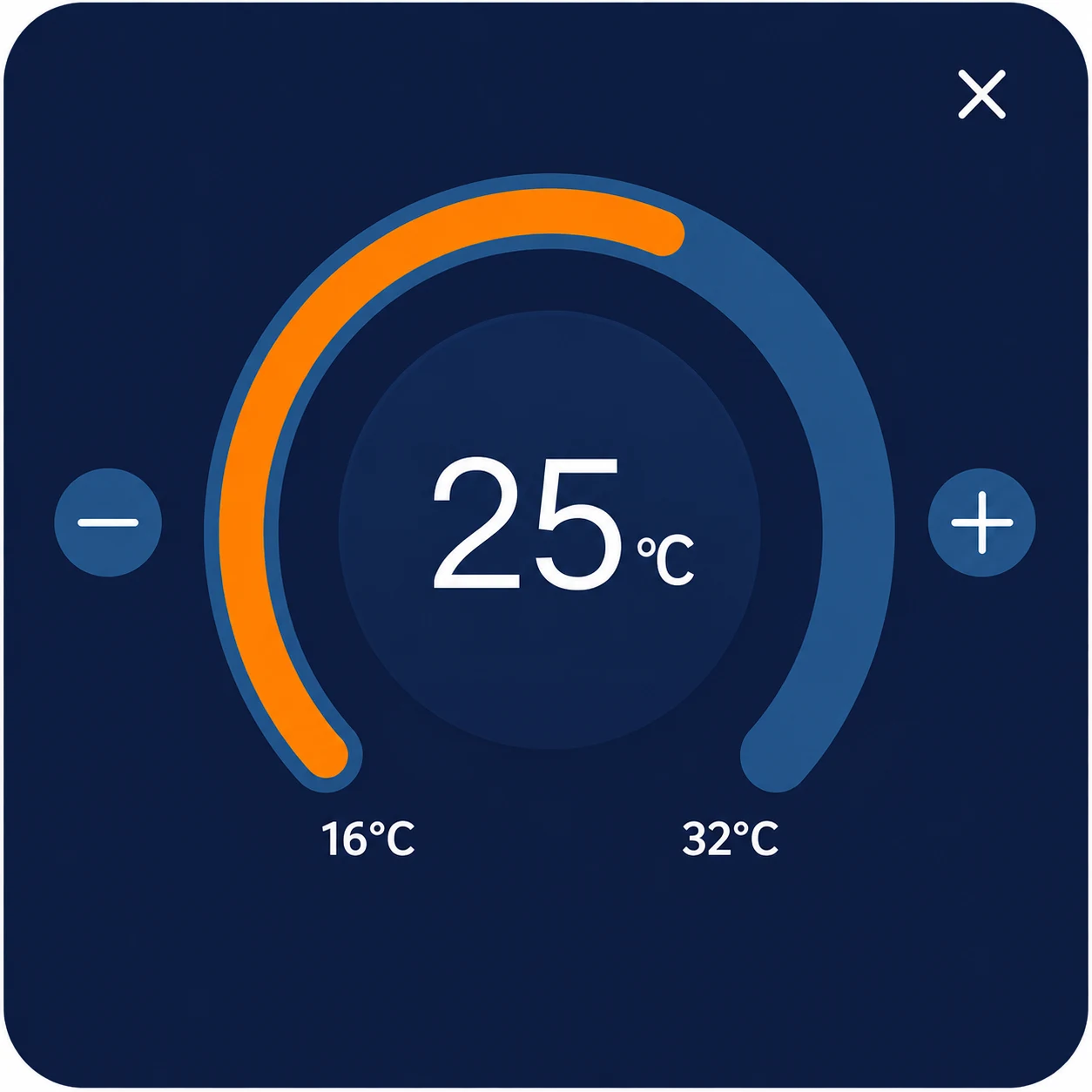
The underfloor heating home screen displays the current room temperature and target temperature. Select the icon outside the temperature ring to adjust the operating settings. If the i fault icon appears, communication with the underfloor heating equipment is abnormal.
RELATED ARTICLE
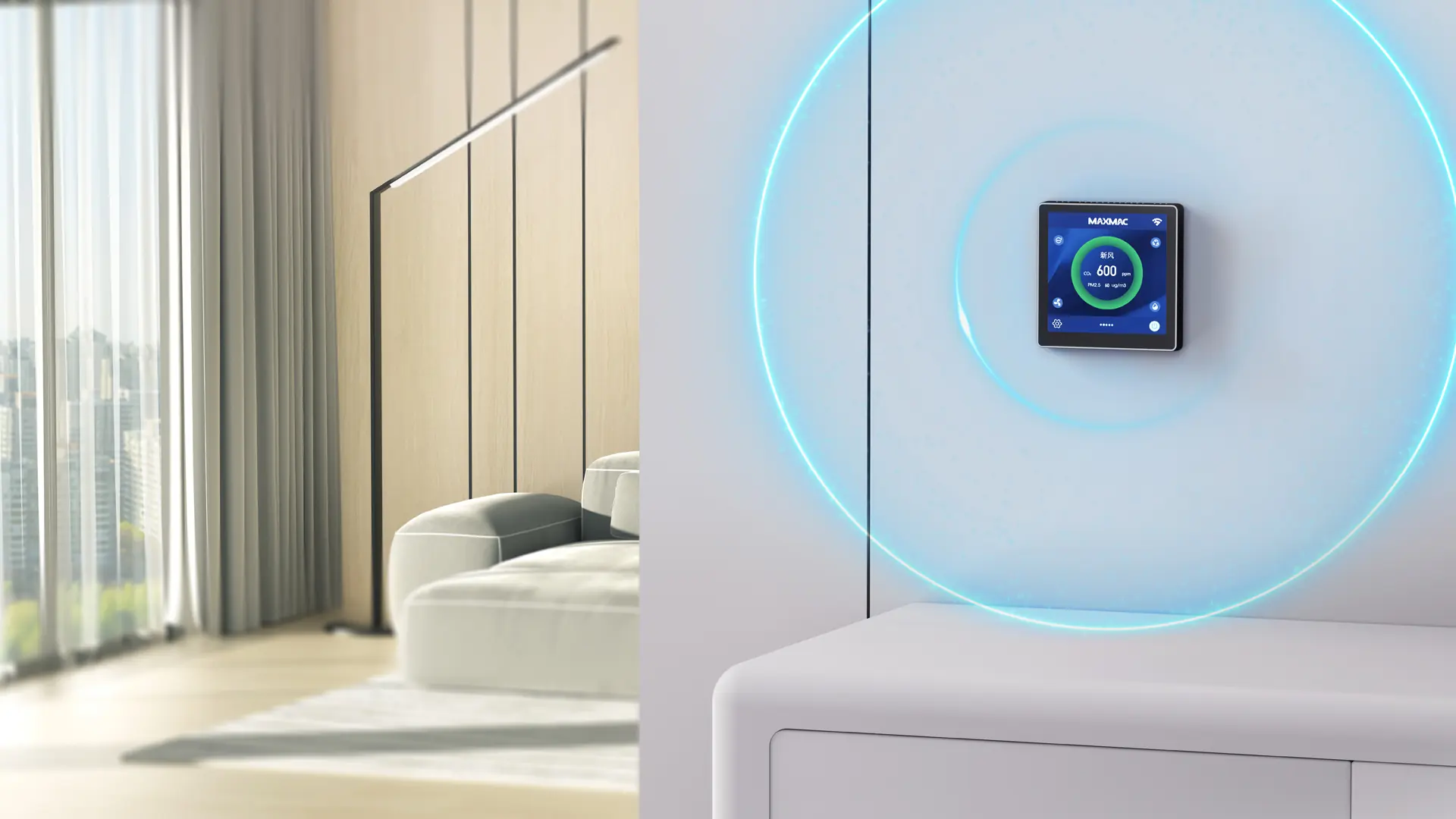
See how room-level sensing and coordinated control can connect indoor air quality data with air conditioning and fresh-air ventilation, helping residential HVAC projects respond to actual conditions within each space.
Read ArticleOur product experts will provide the most suitable air solutions and product recommendations.